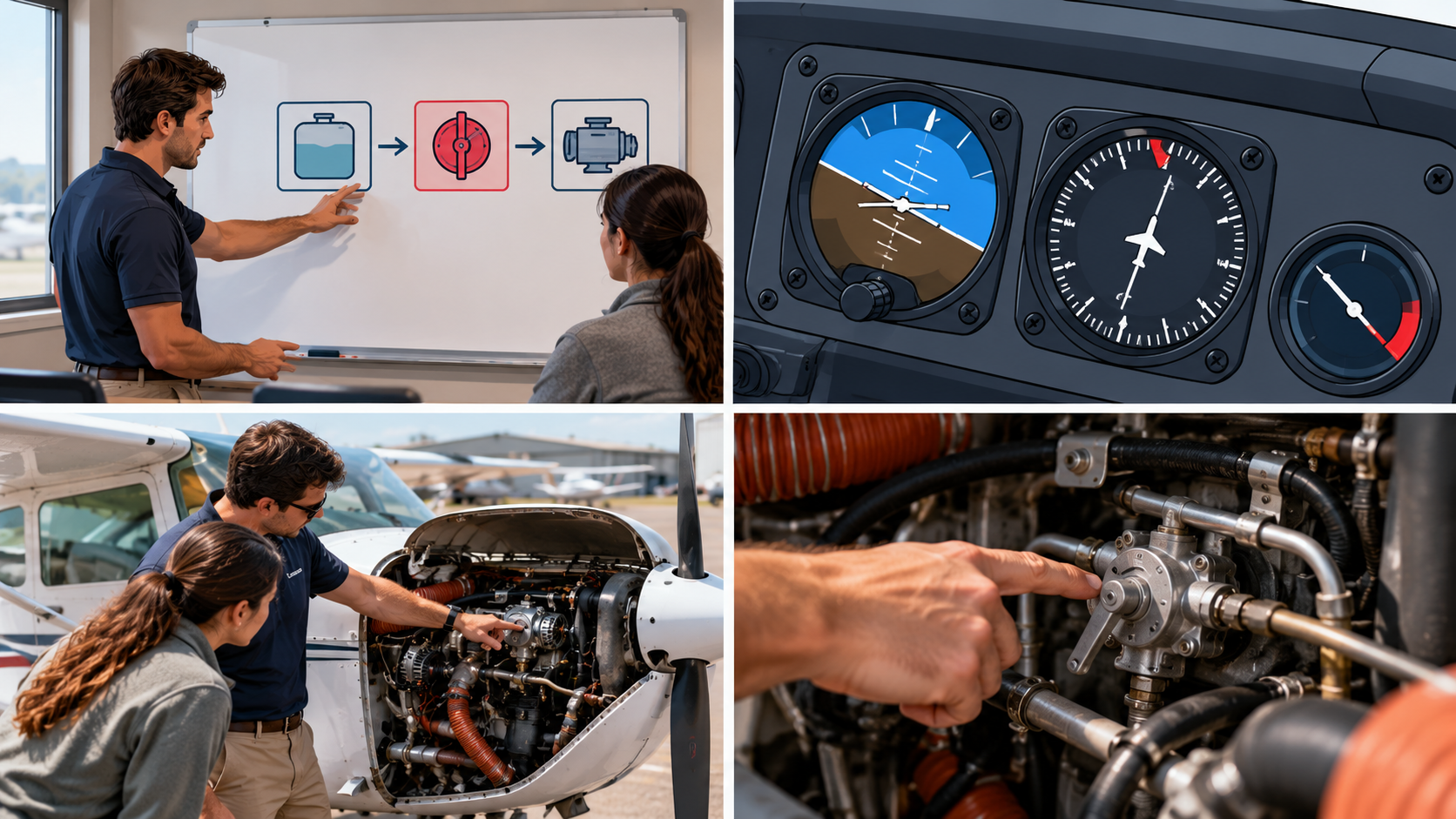
If you've ever had eleven browser tabs open, a binder that's lost its spine, and a sticky note on your yoke that just says "ask DPE about this," you already know the problem. You didn't get into flight instruction because you love managing software. You got into it because you love teaching people to fly. And yet here you are, trying to remember which cloud folder has the current ACS, which app has your student's logbook, and whether that lesson plan template is the one with the typo in it. That's what happens without a digital toolkit.
That's not a you problem. That's an everybody problem. CFI prep generates more material than any one brain, binder, or desktop folder can hold cleanly, and most instructors build their digital toolkit the same way they build their flare: by trial, error, and whatever worked last time.
This isn't a list of forty apps you'll download and never open again. It's the handful of categories that actually move the needle, how they fit together, and where a platform like OGI Connect saves you from duct-taping five tools together to do the job of one.
The Problem With "I'll Just Keep It All in My Head"
Every CFI candidate starts here. You've got the Airman Certification Standards memorized well enough to recite at a dinner party, a stack of PDFs you swear you'll organize "this weekend," and a mental model of the lesson sequence that lives entirely in your head.
It works right up until it doesn't. The oral exam doesn't ask questions in the order you studied them. Students don't show up with the exact gaps you planned for. And the version of "organized" that exists only between your ears has a nasty habit of leaking the one fact you needed two days before the checkride.
A digital toolkit isn't about replacing your judgment. It's about making sure the information you've already worked hard to learn is where you can actually find it, in the format you need, at the moment you need it.
Start With the ACS, Not a Pile of PDFs
Most CFI prep goes sideways because people study chapters instead of tasks. The ACS doesn't care which chapter of which book covers slow flight; it cares whether you can teach it, demonstrate it, and explain the common errors a student makes while doing it.
This is the part of the toolkit OGI Connect's ACS Library was actually built around. It organizes every task the way the checkride actually tests it, and Smart Study Pro builds study material directly against those tasks instead of against someone else's chapter outline. You're not translating a textbook into checkride language in your head. The translation's already done.
Where This Earns Its Keep
It's on the drive to the airport. Smart Study Pro pairs video, audio, and PDF content for each task, with a Spotify-style player that turns commute time into review time. You can run through steep spirals in the car the same way you'd queue up a podcast, which beats flipping pages at a stoplight.
Study That Fits Your Day, Not the Other Way Around
The best study tool is the one you actually open. A gorgeous study guide that lives on a desktop you only sit at twice a week loses to a mediocre one you can pull up between lessons on your phone.
That's the practical case for keeping study material in one platform instead of scattered across a laptop folder, three bookmarked PDFs, and whatever your last CFI candidate emailed you. A few things worth building into your own routine:
Audio review for dead time. Taxi delays, fuel stops, and the drive home are free study blocks if the material is already in audio form.
Task-based flashcards over chapter-based notes. You're tested on tasks, not chapters, so your review should be organized the same way.
One place for annotations. Highlighting the same regulation in four different PDFs means you'll eventually trust the wrong version.
None of this requires willpower you don't already have. It requires removing the friction between "I have ten free minutes" and "I'm reviewing something useful."
Calendar and Scheduling Tools That Keep Students From Ghosting You
Here's an uncomfortable truth: a chunk of CFI instructor burnout isn't about the flying. It's about the back-and-forth texting to find a time that works, followed by the student who "might be free Thursday" and then goes dark for nine days.
A shared scheduling link does more for your sanity than almost any other tool in the stack. It's not glamorous, and it won't show up in anyone's highlight reel, but it turns "let me check and get back to you" into "here's my availability, pick a slot." Pair that with a shared calendar for ground sessions, checkride prep, and your own CFII or MEI add-on work, and you've removed an entire category of unpaid administrative time from your week. If lesson plans are part of that weekly scramble, a reusable lesson plan library solves the same problem from the other direction.
You're Not Studying Alone, Even When It Feels Like It
The instructors who finish CFI oral exam prep without losing their minds almost always have a second input besides their own study material: a community, a mentor, or a weekly touchpoint that keeps momentum going when motivation dips.
FAA WINGS seminars are one of the more underused resources here, since they're free, they count toward currency, and they put you in a room (physical or virtual) with people who've already been through the checkride you're prepping for. CFI Bootcamp's own Power Hour lessons, hosted by Mike Shiflett, a former FAA and CAA examiner, are built around exactly this idea and are eligible for WINGS credit, so showing up does double duty.
OGI Connect's Waypoint feature exists for the same reason, minus the fixed schedule. It's a place to ask the question you're embarrassed to ask out loud and get an answer from someone who isn't grading you.
The Toolkit Isn't the Point
None of this is about collecting apps for their own sake. The point of a digital toolkit is boring, in the best way: less time spent hunting for information, more time spent actually learning it, and fewer gaps that show up for the first time in front of a DPE.
Build the stack once, keep it simple, and let it run in the background while you focus on the part that actually matters. The checkride doesn't test how organized your Google Drive is. It tests whether you can teach.
Catch Power Hour This Saturday
Every Saturday, CFI Bootcamp runs Power Hour, a live lesson hosted by Mike Shiflett that's free, eligible for FAA WINGS credit, and built for exactly the kind of instructor who's trying to tighten up their prep without burning a weekend on it.
What to expect:
A focused, single-topic lesson instead of a scattered Q&A
Real checkride-relevant material you can apply immediately
Direct access to ask questions in the room
No slide deck sales pitch at the end
Absolutely free. No catch. Just show up.
Register here: Power Hour Lessons
References
FAA WINGS Pilot Proficiency Program — https://www.faasafety.gov/WINGS
Internal links: ACS Library, Smart Study Pro, CFI Oral Exam Prep, Stop Rebuilding Your Lesson Plan Library Every Monday Night, Checkride Study Guide | How to Build One With AI Tools (all on ogi-connect.com)