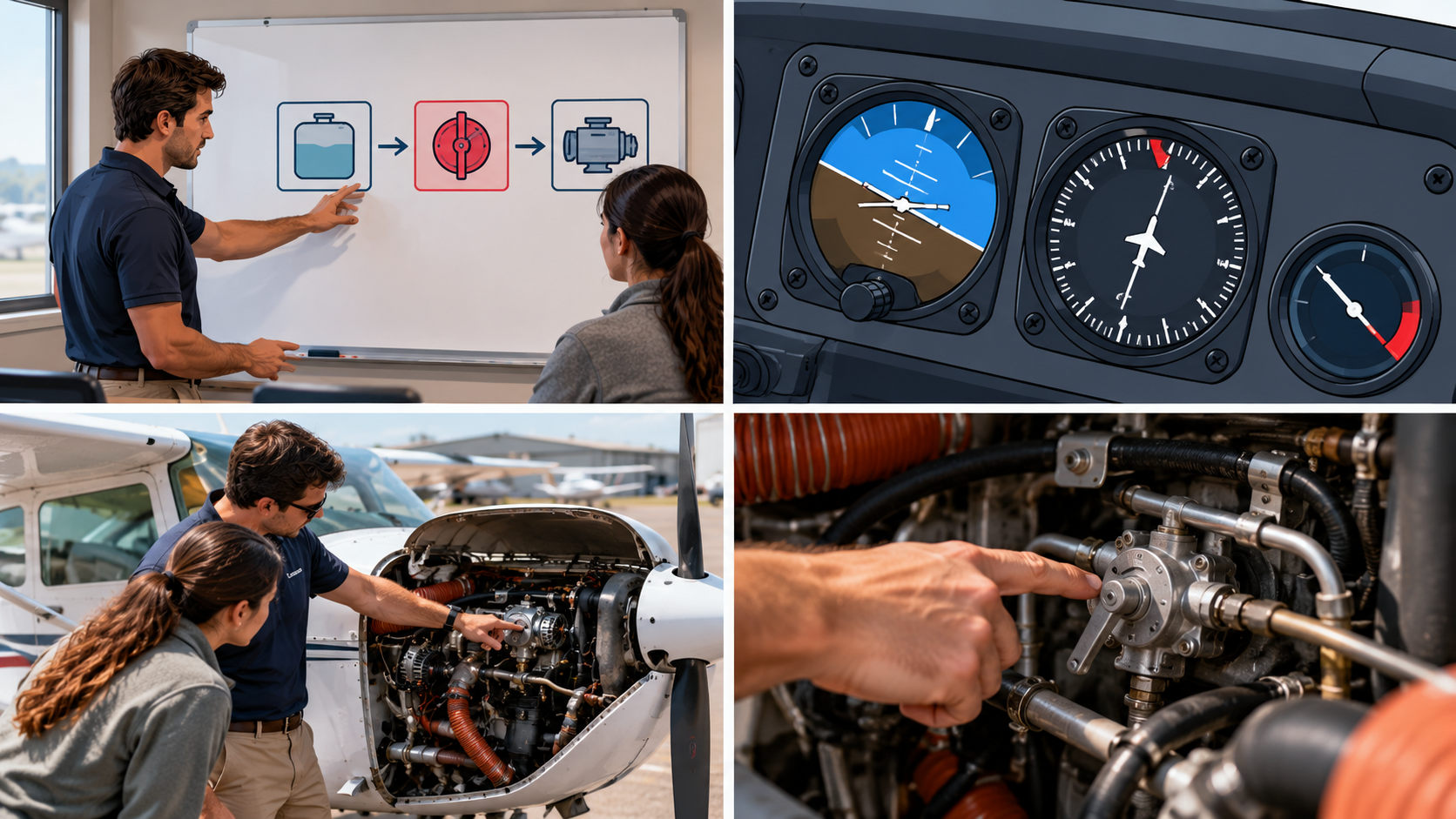
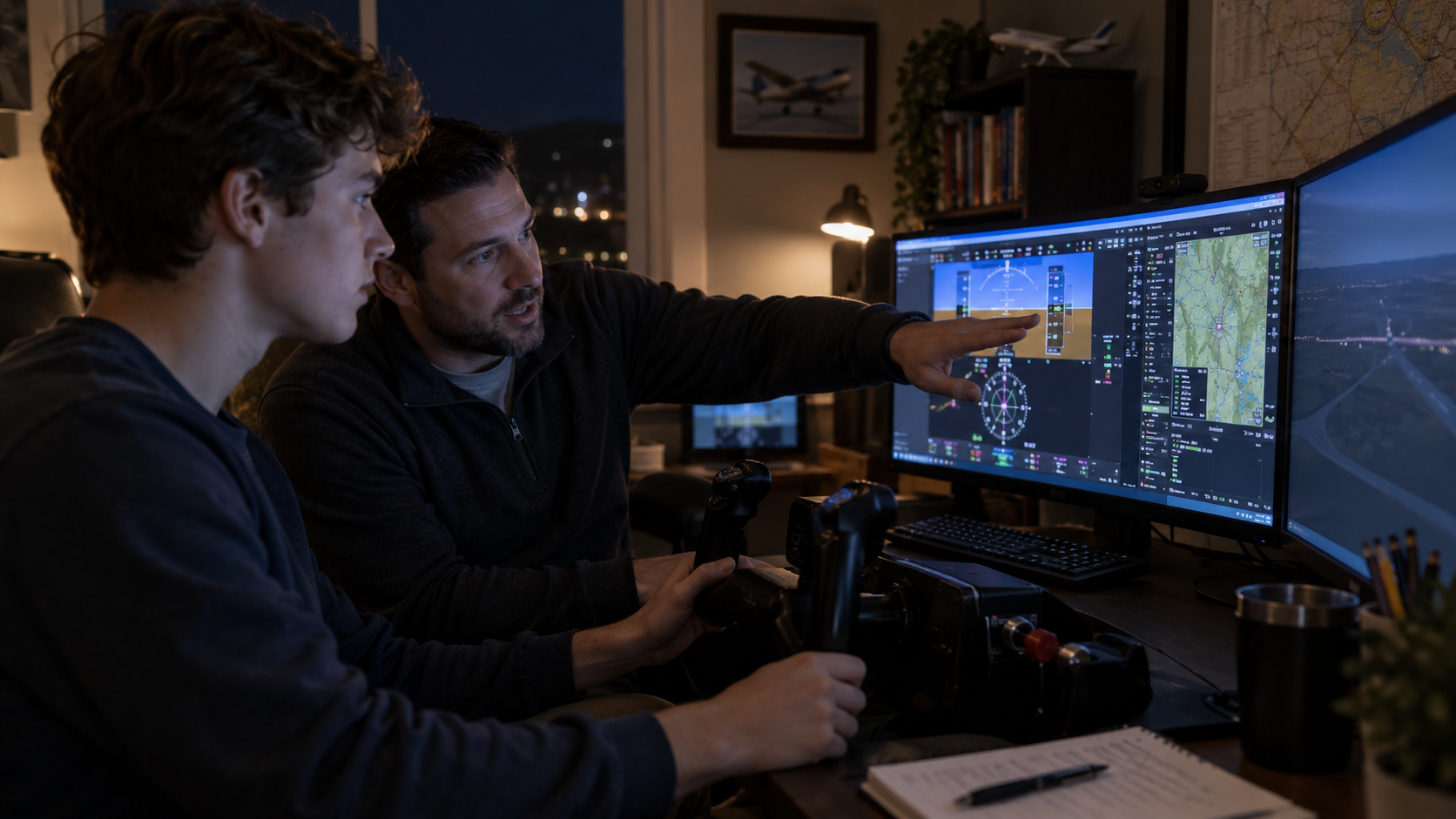
There's a student at your local FBO right now who has logged 40 hours in a Redbird and is absolutely convinced he's ready for his instrument checkride. He is not ready for his instrument checkride. But he's not entirely wrong, either — and understanding why is one of the more useful things a CFI can actually teach.
Flight simulators are genuinely valuable training tools. They're also the most confidently misunderstood piece of equipment in general aviation. Your students will overestimate what sim time gives them. Some of your fellow instructors will too. And every so often, a pilot will show up to a flight with a logbook full of ATD time and a plan to use it for currency that it can't legally support.
Let's sort this out.
The FAA's Device Hierarchy: BATD, AATD, FTD, and FFS
All simulation training devices fall under a single regulatory umbrella called Flight Simulation Training Devices — FSTDs. FAR Part 60 governs all of them. Part 61 governs how they're used for credit toward a rating or an IPC. And Parts 121, 135, 141, and 142 each have their own rules on top of that.
Within that umbrella, there are four tiers that matter for general aviation instructors.
Full Flight Simulators (FFS) are the motion platforms you see in airline training centers — the most realistic, the most credit, and the most expensive per hour. Most GA instructors don't have regular access to one, and if they do, the rules aren't a mystery.
Flight Training Devices (FTDs) represent a specific aircraft configuration, typically without motion. Some older Frasca devices that flight schools have had for years fall into this category.
Advanced Aviation Training Devices (AATDs) are where most GA instructors actually live. The Redbirds, the Precision Flight Controls DCX systems — these are AATDs. They're defined in AC 61-136B Appendix C, they must model aerodynamic changes with flight controls, and they offer meaningful regulatory credit across multiple certificate levels. Not all flight simulators are approved equally — a Redbird qualifies as an AATD, but that classification alone doesn't determine what currency it can log.
Basic Aviation Training Devices (BATDs) are defined in AC 61-136B Appendix B. They meet certain criteria, but they come with more limited credit — and that gap matters when a student is trying to maximize what the sim hours do for them.
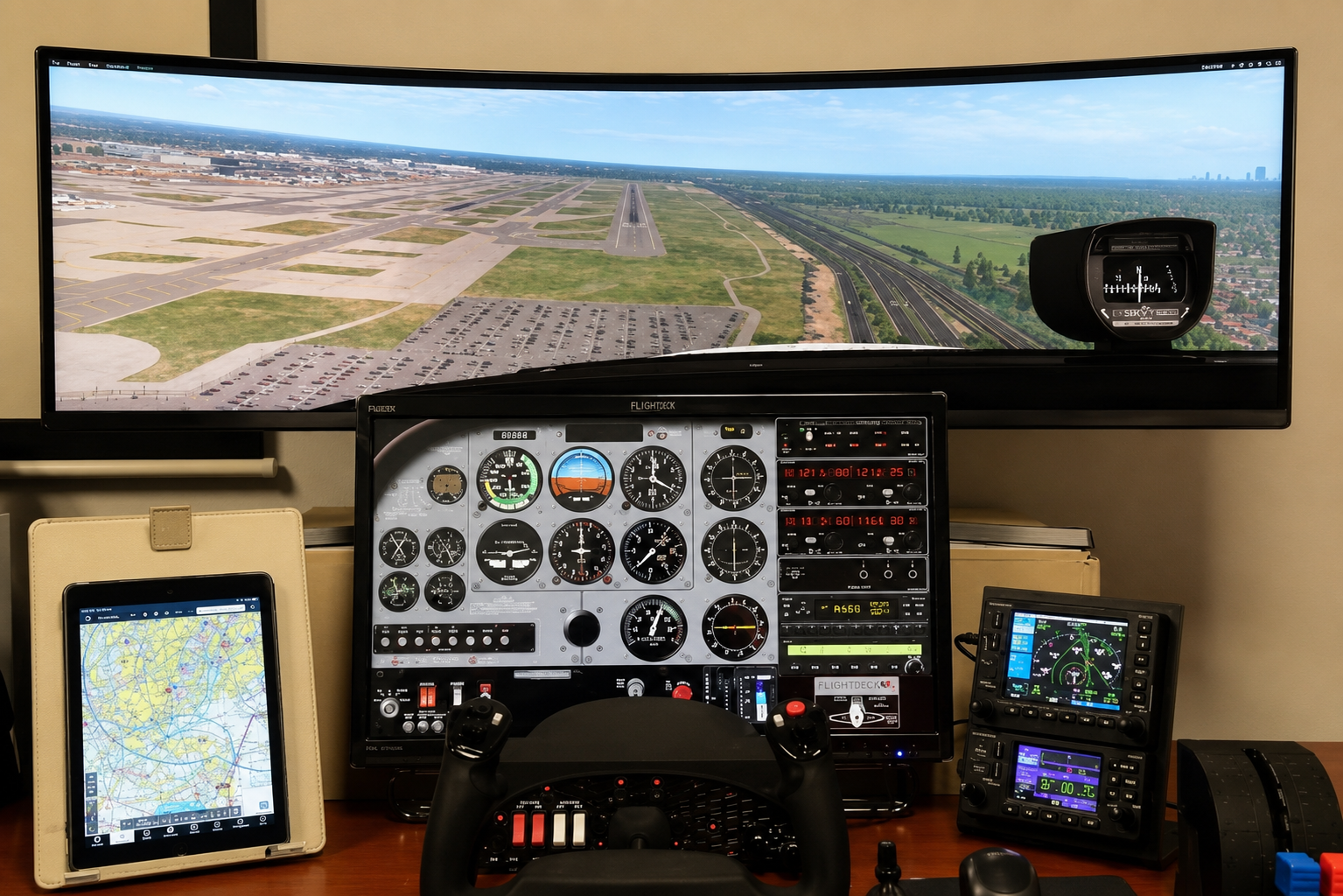
Each device has a Letter of Authorization (LOA) issued by the FAA. That LOA is good for five years, after which the device needs revalidation. The LOA is the document that tells you exactly what the device is approved to do — and it's not optional paperwork. Before any training session that will be logged for credit, both the student and the instructor need access to three things: the LOA, the FAA-approved Qualification and Approval Guide (QAG) for that device, and performance information for the aircraft configuration being represented. Electronic access is acceptable. But if you're training without these available, the time may not count.
The LOA Tells You Everything
The device type and the LOA together dictate what experience can be obtained. Not how realistic it feels. Not how much your student sweated through that ILS. What the FAA authorized, in writing, for that specific device.
A typical AATD Letter of Authorization will reference specific sections of Part 61 — logging entries under 61.51, instrument experience under 61.57(c), instrument proficiency checks under 61.57(d)(1)(ii), and hour limits by certificate level. If a section isn't listed in the LOA, the device isn't approved for it. That's the rule. The LOA is the ceiling, and the regulations define the floor.
What Time Can Actually Be Counted
The table every instructor should have memorized — or at least bookmarked — covers maximum sim credit toward minimum certification requirements. The numbers matter.
For the Instrument Rating under Part 61, a BATD tops out at 10 hours. An AATD, FTD, or FFS can go up to 20 hours. That's a meaningful difference if a student has been grinding approaches in a basic desktop setup thinking they're building toward the full credit.
For the Private Pilot Certificate, all four device types are capped at 2.5 hours under Part 61.
For the Commercial Pilot Certificate, BATDs don't count at all. AATDs, FTDs, and FFS are authorized for up to 50 hours under Part 61 — but that time must come from an authorized instructor.
For the ATP Certificate, AATDs, FTDs, and FFS can count for up to 25 hours of the instrument flight time requirement under Part 61.
Here's the one that catches people: the Flight Instructor Certificate has zero Part 61 sim credit. None. A BATD, AATD, FTD — none of it applies toward the CFI under Part 61. There is a small allowance under Part 141 (1.25 hours AATD or FTD), but under the standard Part 61 path your students are using at most flight schools, the sim time doesn't count toward the certificate. Know this before a CFI student asks.
Logging It Right
This is the part that gets instructors in trouble — not intentionally, just from not knowing.
When logging sim time, all standard flight time columns remain blank. No total time in the aircraft columns. No PIC. No cross-country. What gets logged is: total time in the device, instruction received, and simulated instrument time. That's it.
If a student is filling in flight time columns from a flight simulators session, you need to fix it. And if you're signing off time that's been logged incorrectly, that's a problem worth getting ahead of before it becomes someone else's problem.
What Doesn't Count (And Where Instructors Get Burned)
Night currency landings require an aircraft. The regulations are specific — takeoffs and landings for 61.57(a) and (b) currency require an actual aircraft. Sim landings, no matter how realistic the visual system, don't satisfy the requirement.
Day currency works the same way. Three landings in the past 90 days means three landings in an aircraft. Not in the box.
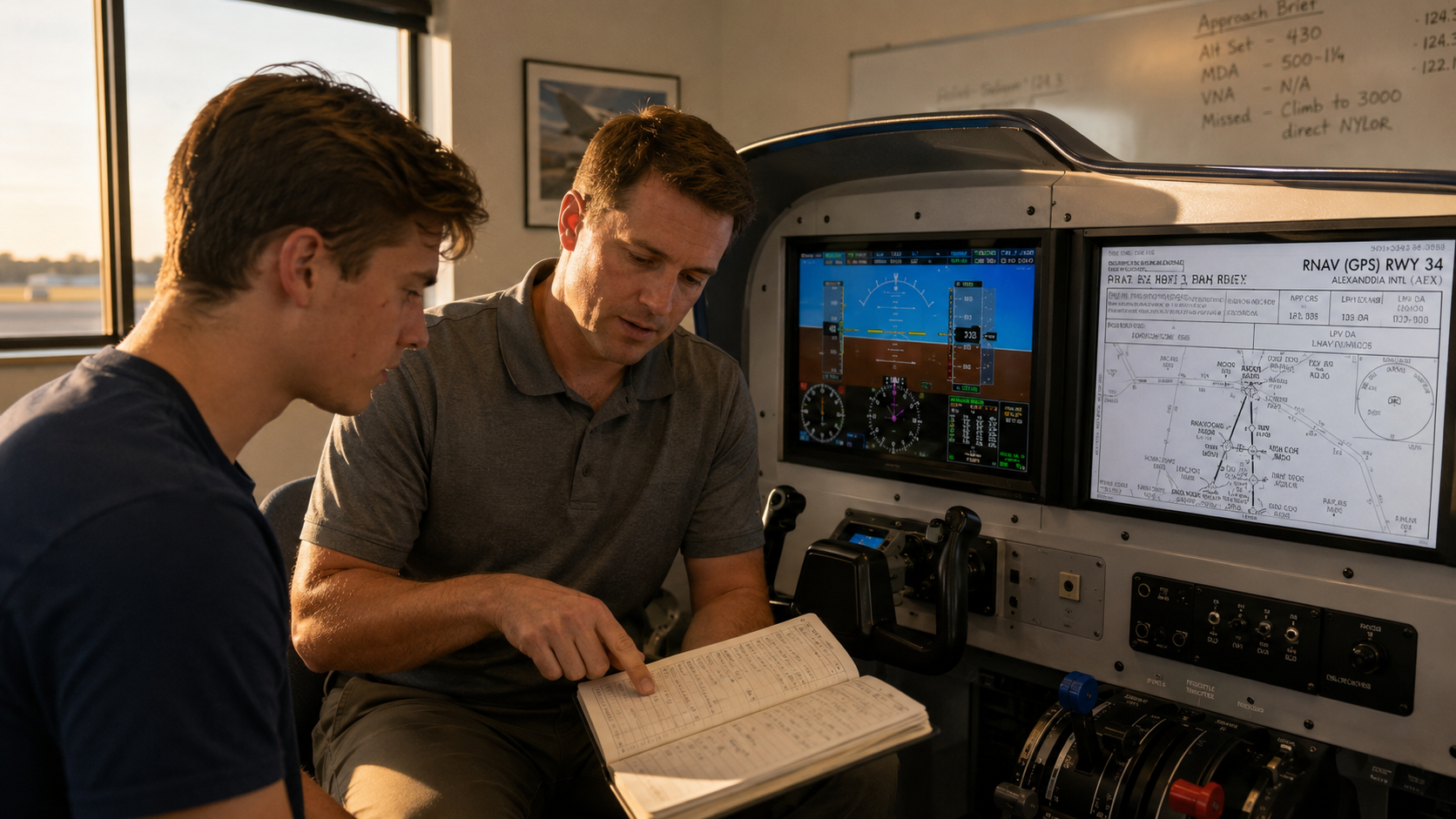
The IPC is different — and this distinction matters. An AATD with an appropriate LOA can be used to accomplish an instrument proficiency check under 61.57(d)(1)(ii). This is explicitly listed in device authorizations, and it's one of the genuinely useful things an ATD does for instrument pilots who need to get back current efficiently.
A Note on Fidelity
ATDs were originally designed as procedural trainers, and that's still the lens you should use when building a training plan around them.
The aerodynamic modeling in most ATDs is noticeably limited at slow speeds and near the ground. Visual fidelity varies significantly depending on monitor size and placement. These are not reasons to avoid the sim — they're reasons to use it for what it does well and not ask it to do things it can't.
Approach procedures, partial panel work, holding entries, systems failures — the sim excels here. What it can't give a student is the physical experience of actual flight: the vestibular feedback, the workload of real IMC, the moment when everything the student practiced in a room that smells like carpet cleaner has to translate to the actual cockpit.
Use the simulator to build procedures and knowledge fluency. Use the aircraft to build judgment and feel. One without the other is incomplete, and the best instructors are deliberate about which tool they're reaching for and why.
The CFI's Job Here
Your job isn't to let the sim do the teaching. Your job is to teach — with the simulator as a tool that happens to let you set up scenarios that would be impractical or unsafe in the aircraft.
That means briefing what the device is authorized to do before you start. It means making sure the LOA, the QAG, and the aircraft performance data are accessible before the session begins. It means logging the time correctly and making sure your students know how to log theirs. And it means being the person in the room who knows what the sim can and can't do — so nobody walks away with a logbook that's going to create problems at a checkride or an FAA review.
The student in the Redbird may not be ready for his checkride. But if you've been using the AATD correctly, logging it properly, and layering real aircraft time on top of what he built there, he might get ready faster than you'd think.
That's the job. Do it right.
Go Deeper: This Week's Power Hour Covers All of It Live
This article gives you the framework. The Power Hour session this week puts it on the table in real time — regulations, device classifications, the LOA, logging requirements, and the fidelity limitations that should actually change how you plan sim sessions with your students.
Here's what's on the agenda:
The full FSTD hierarchy — FFS, FTD, AATD, and BATD — and what each is actually authorized to do
Part 61 hour limits by certificate, including the CFI credit question that catches people off guard
How to log sim time correctly and what happens when you don't
Notes on fidelity: where ATDs are genuinely useful and where they stop being honest training tools
First hour is the live presentation with Wings credit available. Second hour is open mic — bring your questions, edge cases, and the logbook situation you've been quietly unsure about.
Absolutely free. No catch. Just show up.
The regulations around sim training are specific enough that most pilots have at least one thing wrong in their logbook right now. This is the hour to fix it before it matters.
Show up. Ask the question. Leave with the right answer.
CFI Bootcamp | OGI Connect helps flight instructors build efficient, outcome-focused training practices — without the scattered study and wasted hours. Questions? Reach Nick directly at Nick@CFIBootcamp.com or 650-600-1021.